February 15, 2018
Docker stacks presentation
This post presents the stack I created for my everyday job around Symfony and Wordpress.
My goals
Docker is one the (too many) things I wanted to step into for a while now, without necessary time to dive in. I finally board the train, and even if I stay closer from padawan to guru, I could build 2 stacks I will introduce below : one for Symfony, and another one for Wordpress.
Both are new boilerplates used for all news projects either @LCH or personal.
Symfony stack
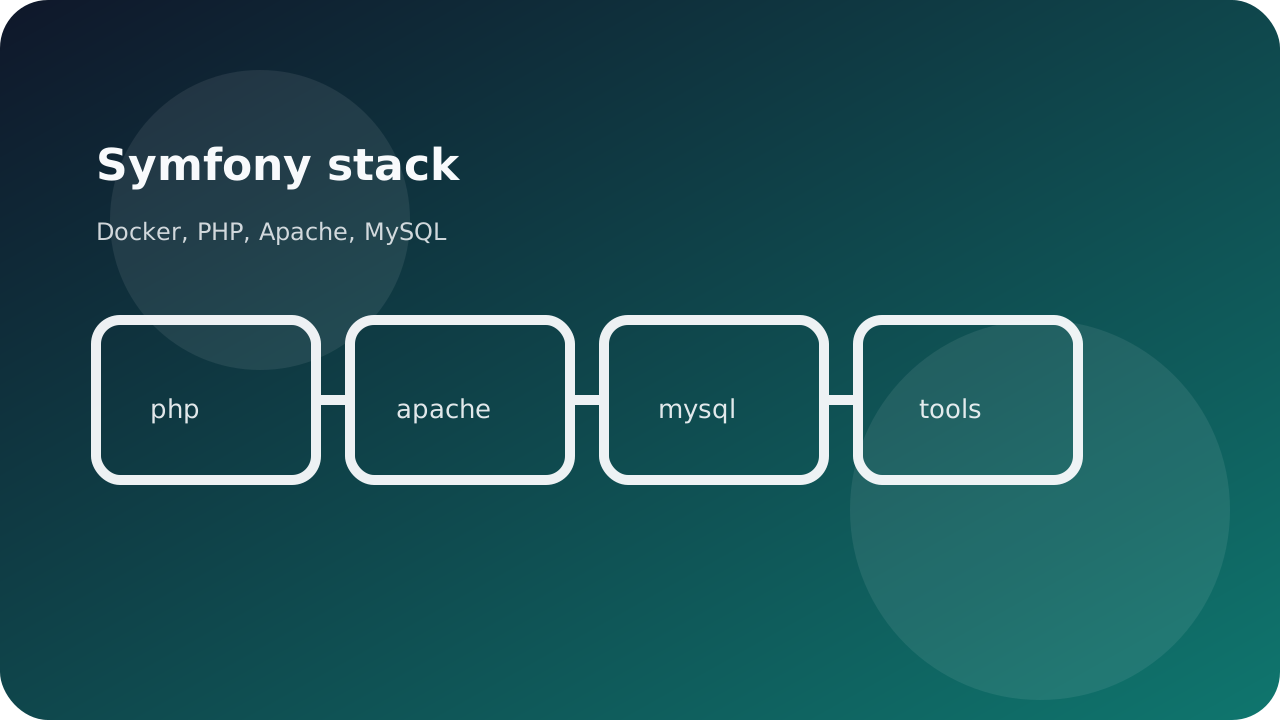
It allows to install a complete working environment for Symfony 2.X or 3.X. Symfony Flex (usable on 3.4+) is not in here, we created a 4.X specific branch). Here you find 4 containers:
- mysql
- php
- apache
- phpmyadmin
Below the specifics highlighted.
Environment vars
All docker-compose.yml needed variables are stored in a .env file (Docker documentation here).
This .env file is also defined inside the very containers to expose needed environment variables. To do so, just pass .env file as env_file option (documentation here)
This gives the interesting ability to use them in files added to container (like the app.conf which defines app vhost by using $FPM_HOST). You can do the same in the very Dockerfile.
Important note : to do so, just explicitely define them with the ARG keyword (example).
Volumes
I create 3 volumes in here :
Stay tuned for a volume focused post to come.
Start bash
To help starting with, I created a bash file that executes following actions :
- Volume folders creation (if it turns they does not exist already)
- Download and setup Symfony installer (if
symfonycommand not already registered) - Install Symfony using the version number specified in
.envfile. .envfile copy to allow Symfony application access to its variables (described here and here)parameters.yml.distfile copy and params substitution usingenvsubstcommand. Note: I chosed not to use DotEnv component to ensure total 2.X and 3.4- retro-compatibility.docker-composeinstall if not already here and registered asdocker-compose- Set container up (with building)
parameters.ymlfile removing to trigger regeneration (I’ve bumped to this case during my tests where acomposer updatewill not refreshparameters.ymlfile)composer update
Wordpress stack
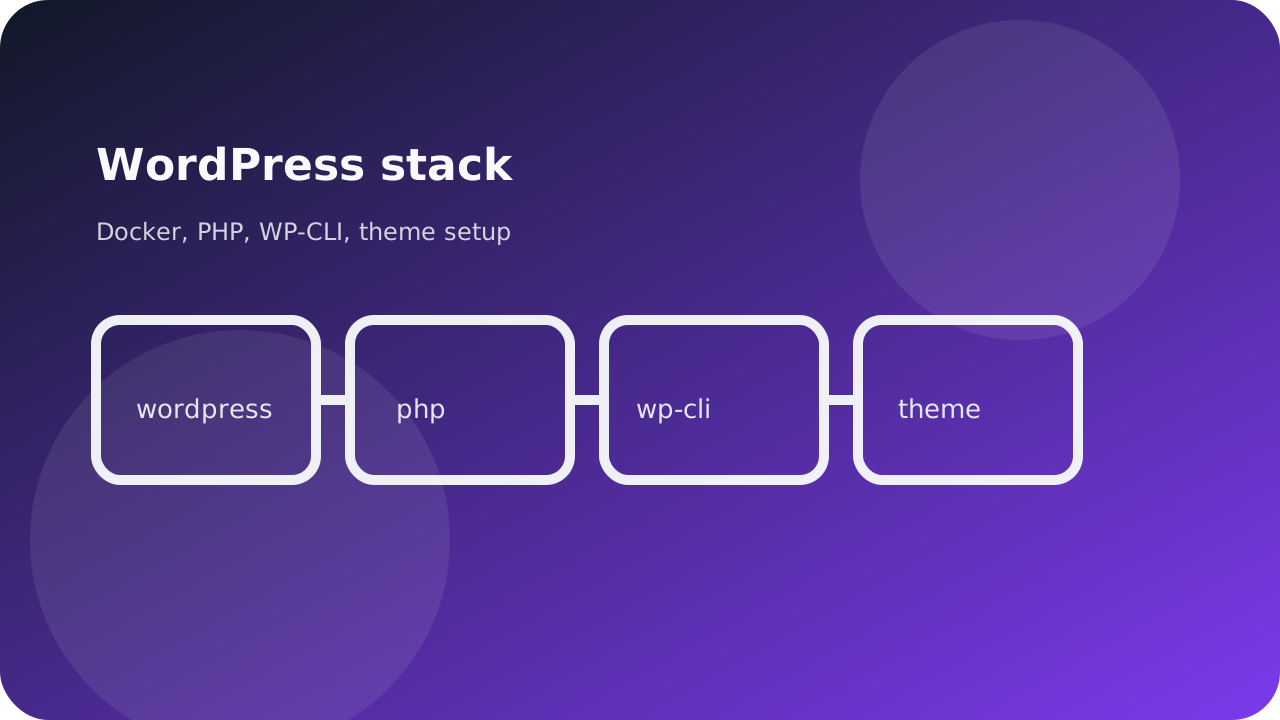
Wordpress stack does the same trick as above, adding WP-CLI. I set it up using YAML configuration file way to execute commands bare, without any arguments (as they are specified in file)
Bash script interesting actions : last version core download, installation, configuration, first user creation, remove Hello Dolly (RIP) and tests page/post, permalink configuration to %postname%
Finally, the script installs an sets up a ready-to-work-with Sage theme (8.5.3 version, gulp/bower/npm one).
What’s next ?
This is just a start. Several noticeable features will eventually be added.
For both
- Elastic stack integration
- Test addition
For Symfony stack
- Continue Symfony 4 branch
- Add Webpack Encore for assets management
- Add Angular for front boilerplate
For Wordpress stack
- ACF Pro setup